

Mobile traffic has long dominated the affiliate marketing landscape, and platform security algorithms treat smartphones with a significantly higher level of trust than desktop setups.
Launches and registrations from mobile devices trigger anti-fraud systems far less frequently. However, comprehensive tools for working with native iOS fingerprints have been virtually nonexistent on the market for a long time.
The Octo Browser team has addressed this issue by releasing the first specialized antidetect browser for iPhone and iPad from a well-known tech provider.
What is Octo Browser for iOS?
This is a fully-fledged mobile application for iPhone and iPad, engineered specifically for creating and managing isolated iOS profiles. Each session generates a unique, native mobile Safari fingerprint and supports custom proxy integration, completely mirroring the core logic of desktop antidetect browsers.
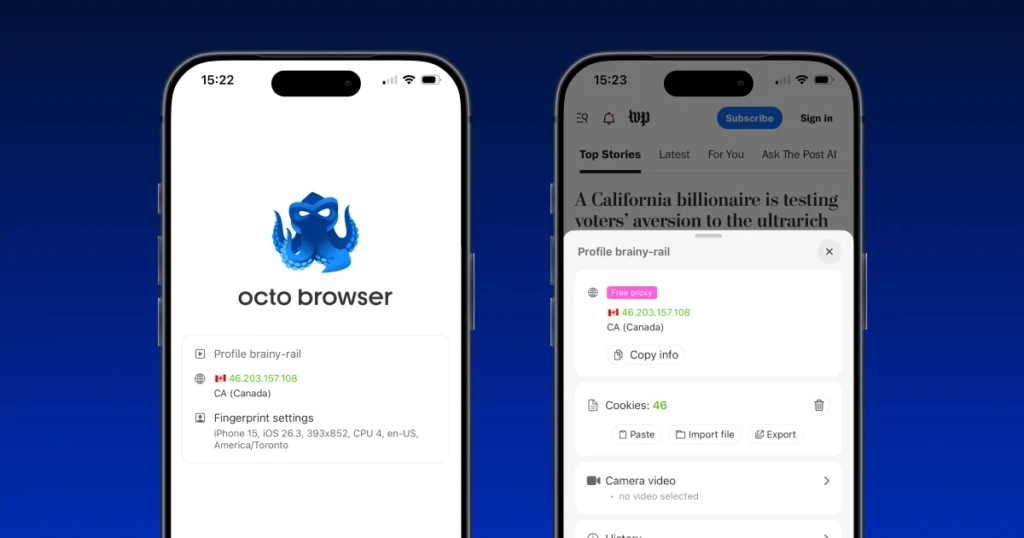
During its open beta phase, the software is available free of charge: users can configure up to 100 profiles and utilize built-in complimentary proxies.
Installation and Authorization Process:
- Download: The app can be downloaded directly by searching the App Store or via a direct link.
- Registration: Account creation is available inside the app interface, on the official website, or via Apple ID.
- Cross-Platform Access: For existing Octo Browser clients, seamless end-to-end authorization is supported—simply log in using your current account credentials.
App Features
The browser’s core task is to generate isolated sessions with genuine Apple device fingerprints. These fingerprints mimic real Safari user parameters exactly, eliminating profile cross-contamination and session leaks.
- Profile Creation
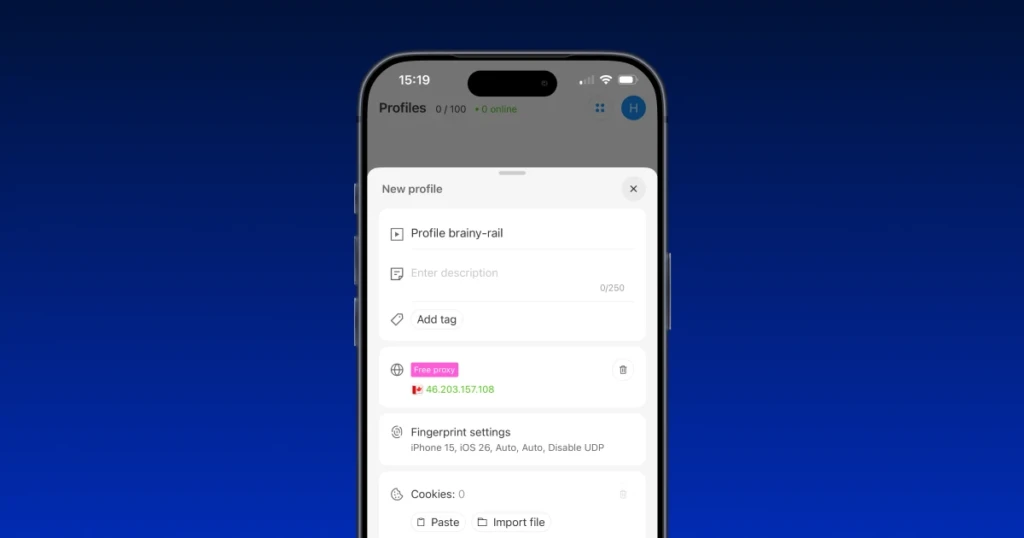
The setup process is seamlessly carried over from the desktop version. The mobile interface includes the standard set of configuration options: assigning a unique profile name, adjusting fingerprint settings, and managing tabs.
- Proxy Integration
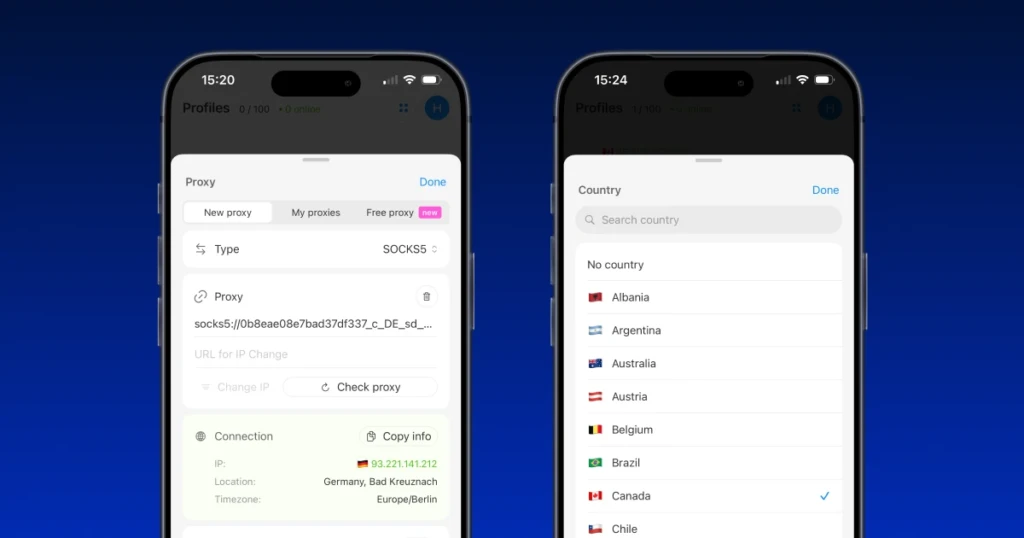
The browser natively supports HTTP and SOCKS5 protocols. Users can instantly import proxies already saved in their main desktop Octo account or tap into the built-in pool of free proxies provided during the open beta phase.
- Team Collaboration and Profile Management
The mobile version of Octo Browser features cloud data synchronization with no limit on connected devices, allowing teams to set up shared workflows. To streamline management, the developers ported key tools from the PC client:
- Cookie Import/Export: Seamlessly move session files.
- Tag System: Categorize and filter profiles quickly.
- Profile Trash Bin: Recover deleted setups.
- Browsing History: Track session activity within profiles.
- Video Stream Spoofing
The app features advanced webcam video substitution. The software allows you to replace the smartphone’s live camera feed with any third-party pre-recorded video or static image an unlimited number of times, all without needing to refresh the active page.
Conclusion
The market demand for iOS antidetects didn’t emerge out of nowhere. When setting up accounts on highly secured platforms, iPhone users gain a serious edge.
Anti-fraud systems block these sessions far less frequently because the native fingerprints of real Apple device users on Safari look virtually identical, differing primarily by their IP address. Transitioning to mobile fingerprints directly improves registration success rates and significantly extends account lifespans.
Octo Browser for iOS effectively addresses this need, creating high-trust profiles that blend seamlessly with the general pool of organic iOS users.