


RollerAds features, and traffic monetization schemes. It's gonna be hot!
RollerAds started out as a push ad network, but over time it has grown considerably in both the number of ad formats it supports and the range of features it offers. Today, the platform lets users not only buy traffic, but also choose offers from its built-in CPA network or monetize their own websites and domains.
At the same time, traffic acquisition remains a core part of RollerAds. Advertisers can run Push, OnClick, and Direct Click campaigns, choose from several pricing models, use granular targeting, and take advantage of automated campaign optimization tools.
Below, we’ll take a closer look at how RollerAds works and what the platform currently offers to affiliates and publishers.
Advantages of RollerAds
RollerAds has several features worth highlighting before we take a closer look at the platform itself.
Over 7 billion daily impressions. RollerAds handles large traffic volumes. The platform is used by more than 60,000 advertisers and 20,000 publishers, providing plenty of traffic across different GEOs and verticals.
Push, OnClick, and Direct Click. Rather than offering dozens of ad formats, RollerAds focuses on three core options. Depending on the format, advertisers can choose from CPC, CPM, Smart CPC, Smart CPM, and CPA Goal pricing models.
Built-in affiliate network. Affiliates can find an offer directly within RollerAds and immediately start driving traffic to it. The catalog includes hundreds of offers across multiple verticals, including the platform’s own exclusive offers.
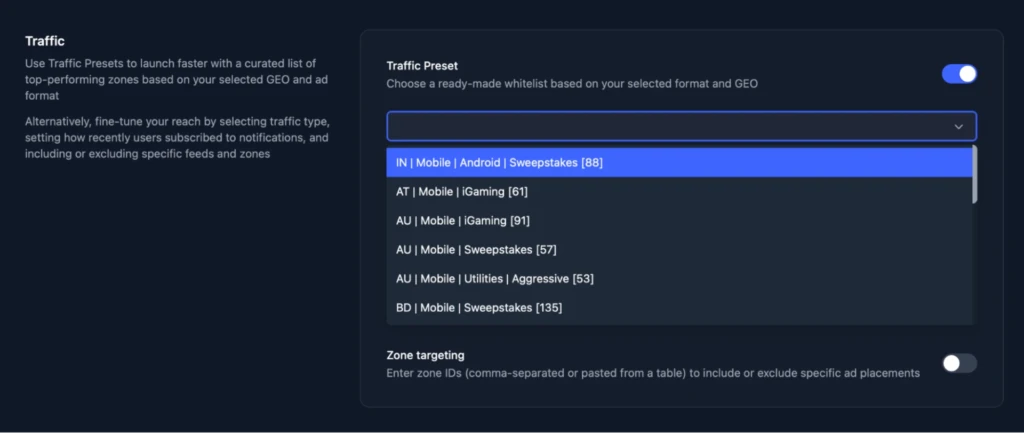
Traffic Presets. These are ready-made whitelists for specific GEOs and verticals, compiled and tested by the RollerAds media buying team. They can be particularly useful when testing a new GEO, as there is no need to build a whitelist from scratch.
Automated optimization. Once S2S postback tracking is configured, CPA Optimization can automatically exclude sources that fail to deliver the desired results. Smart bidding models, meanwhile, automatically adjust bids based on the selected campaign settings.
Monetizing your own traffic. Website and domain owners get access to a separate monetization dashboard. Domains can also be listed for sale while continuing to generate revenue until a buyer is found.
How to Get Started with RollerAds
You can sign up for RollerAds without getting pre-approved by a manager. However, new accounts may be subject to an additional review before they can start using the platform.
To register:
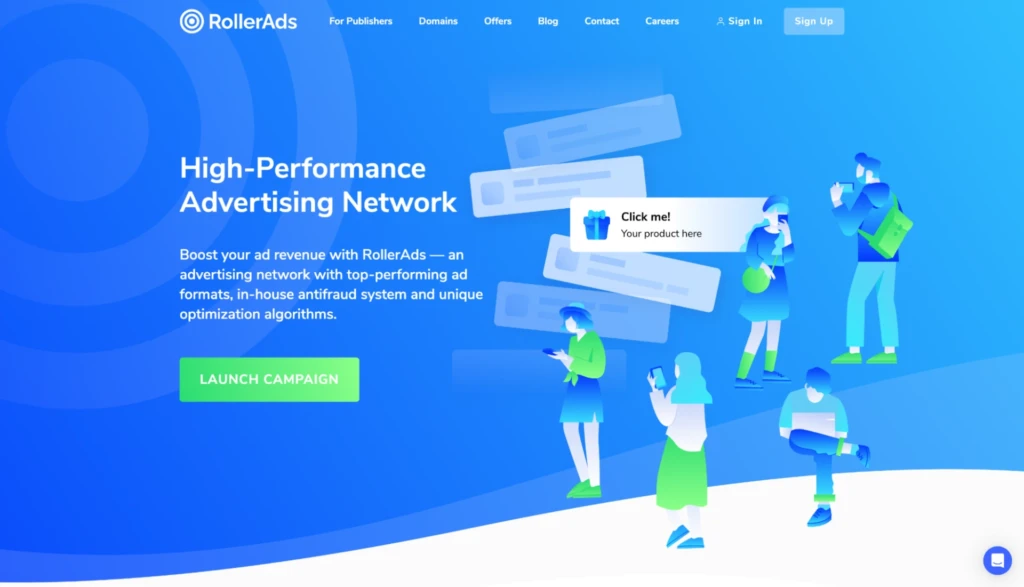
- Open the RollerAds website and click “Sign Up.”
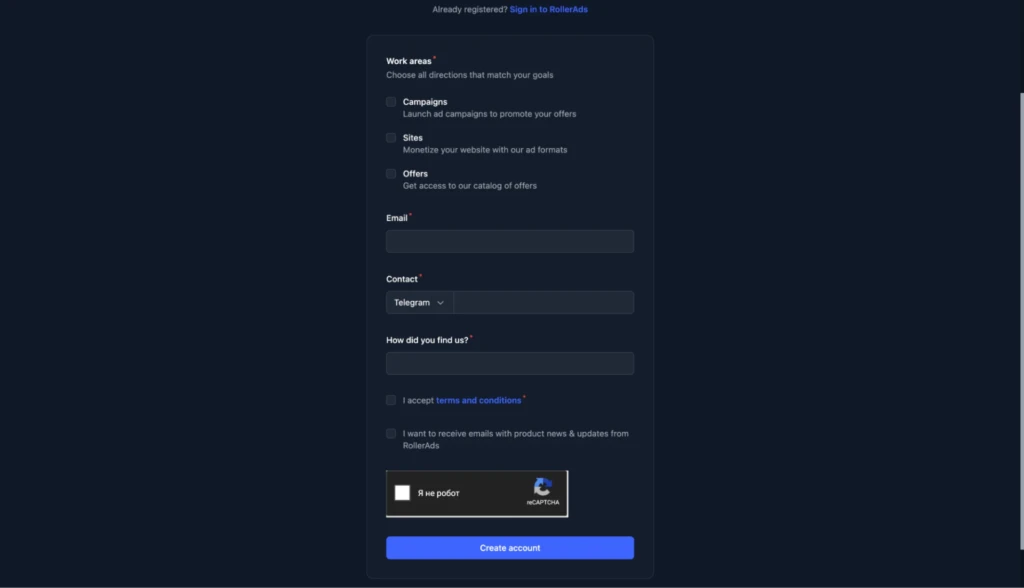
- Complete the registration form and select the platform sections you need: “Campaigns,” “Sites,” and/or “Offers.”
- Complete the additional verification process if requested by RollerAds. While your account is under review, you won’t be able to add funds or start running traffic.
Account Overview
The RollerAds account is divided into several sections depending on what you want to do. Affiliates can manage ad campaigns, add websites and domains for monetization, choose offers, and track their earnings. Let’s take a closer look at the available sections.
Dashboard
This page shows the key metrics for your campaigns and offers. For campaigns, you can see today’s impressions, clicks, and conversions, along with your current balance.
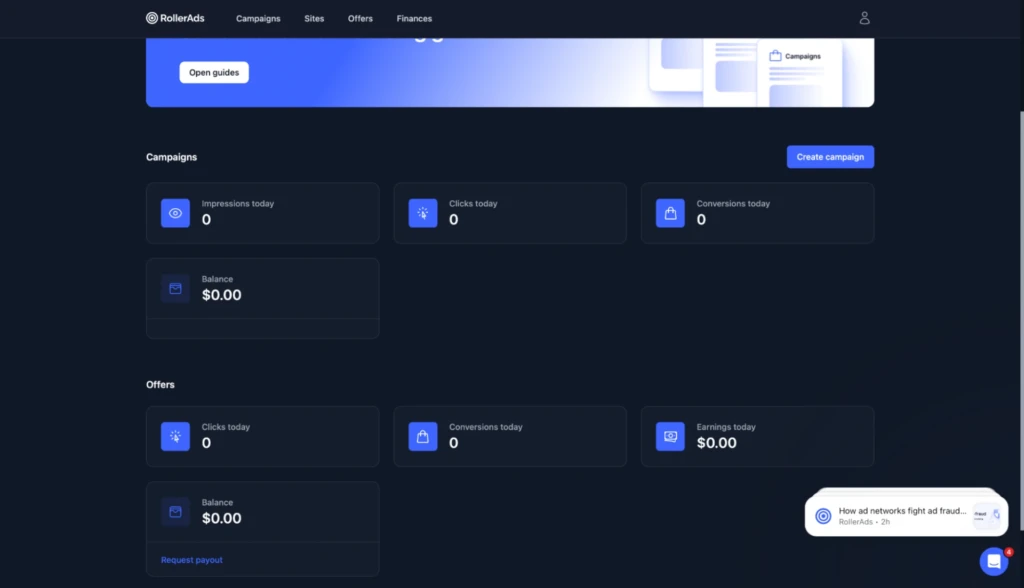
Offer statistics are displayed further down the page. Here, you can track clicks, conversions, earnings for the current day, and your balance. There is also a button to request a payout.
Campaigns
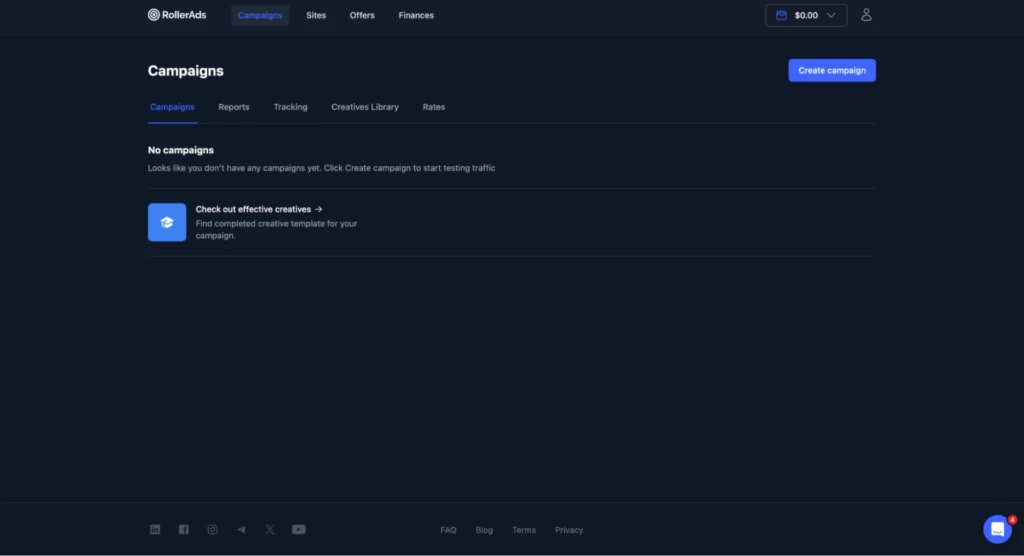
This page lets affiliates launch new campaigns and view the ones they’ve already created. Campaign setup consists of several steps: choosing an ad format and bidding model, configuring targeting, adding creatives, and setting a budget.
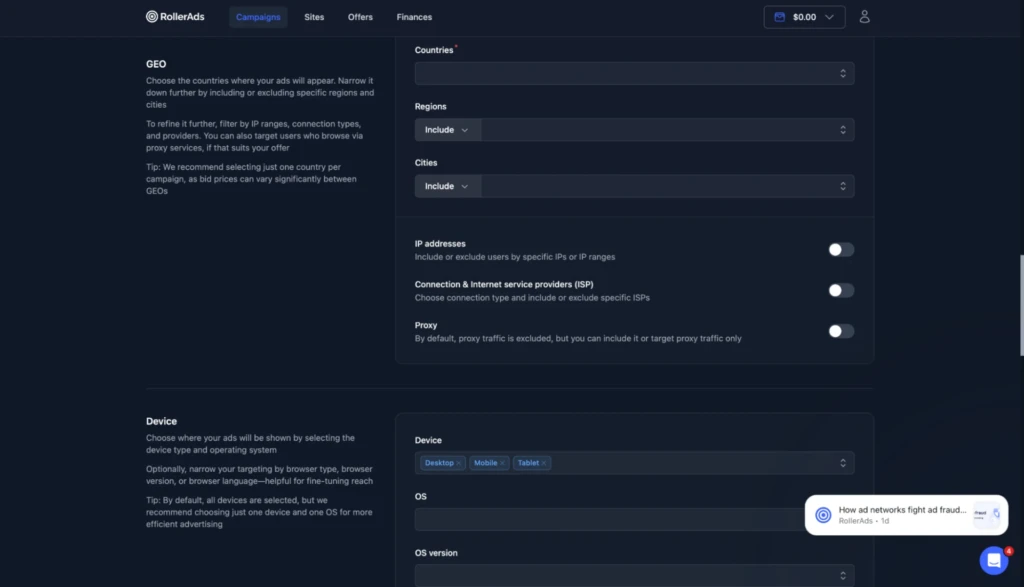
RollerAds offers detailed targeting options, including:
- city;
- region;
- device;
- OS, browser, and browser version;
- mobile carrier;
- connection type;
- ad delivery time and subscription age.
For Direct Click, IAB category targeting is also available.
When testing a new GEO, you can use “Traffic Presets” with ready-made whitelists for different countries and verticals. These whitelists are compiled and pre-tested by the RollerAds media buying team.
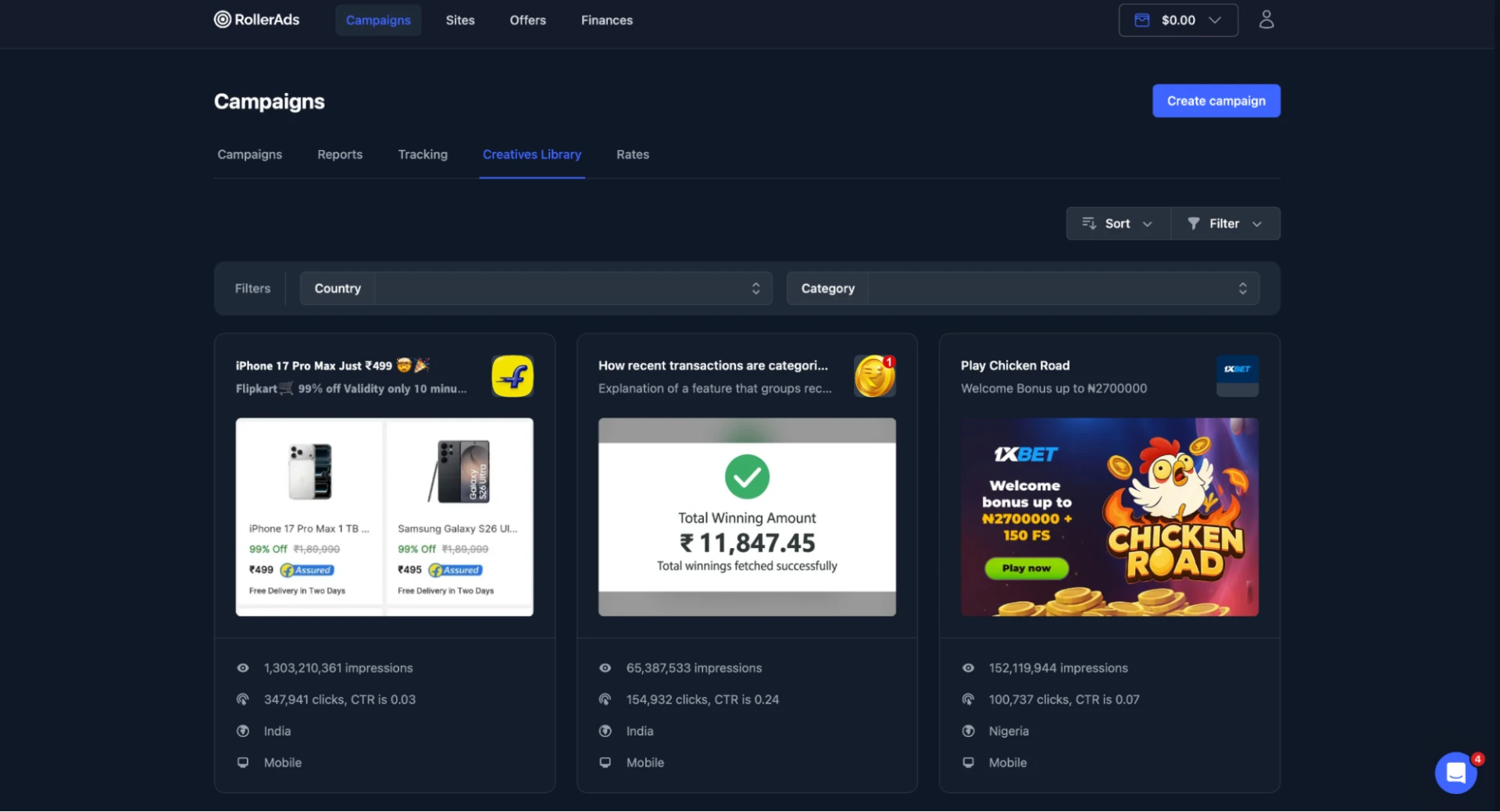
The “Creatives Library” is a built-in ad spy for finding competitors’ creatives. In addition to uploading your own materials, Software & Utilities campaigns can use “Autocreatives” to automatically generate new creatives.
The “Rates” tab shows current RollerAds rates broken down by ad format and GEO.
Sites
This section is designed for monetizing your own websites, landing pages, and domains. Once a property has been added, publishers can create placements, adjust their settings, and track performance through reports.
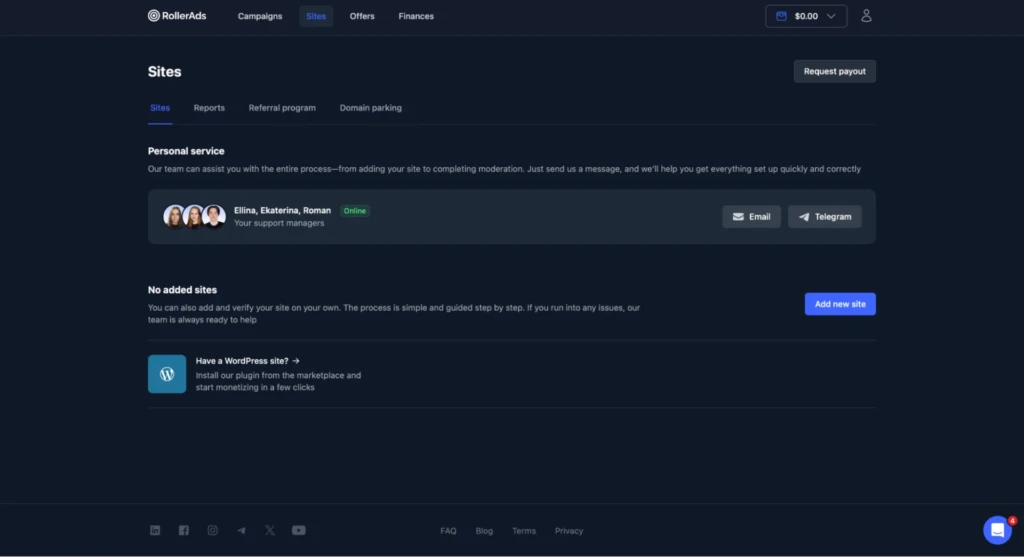
To add a new website, click “Add new site,” enter the URL, and submit it for review. Once approved, monetization settings will become available for the site.
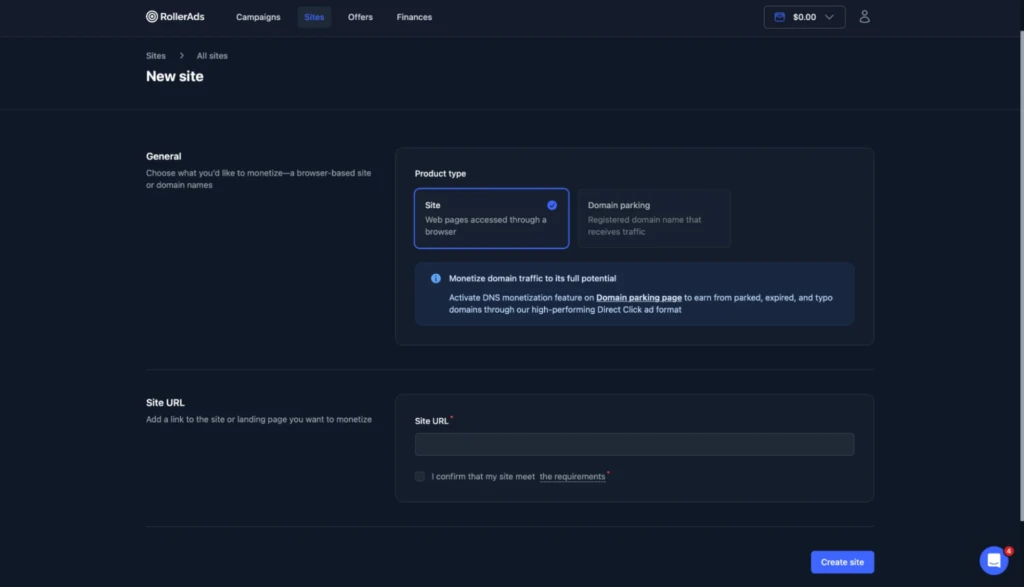
If you have any questions while adding a site, the page provides contact details for RollerAds managers via Telegram and email.
To monetize a domain, simply add it under “Domain parking” and configure the DNS settings. RollerAds will then redirect and monetize incoming traffic.
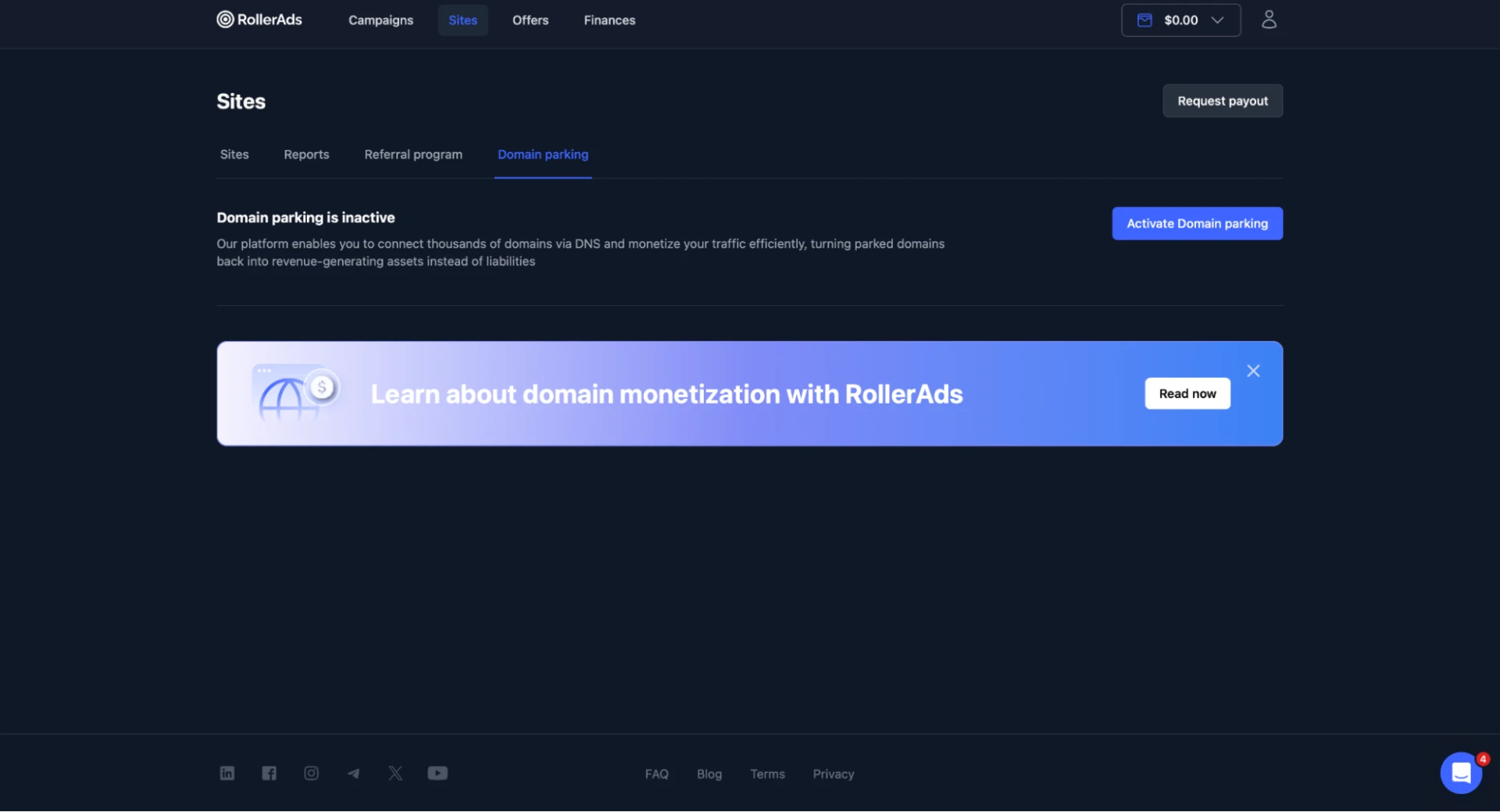
You can also list the domain for sale while continuing to earn revenue from its traffic until a buyer is found.
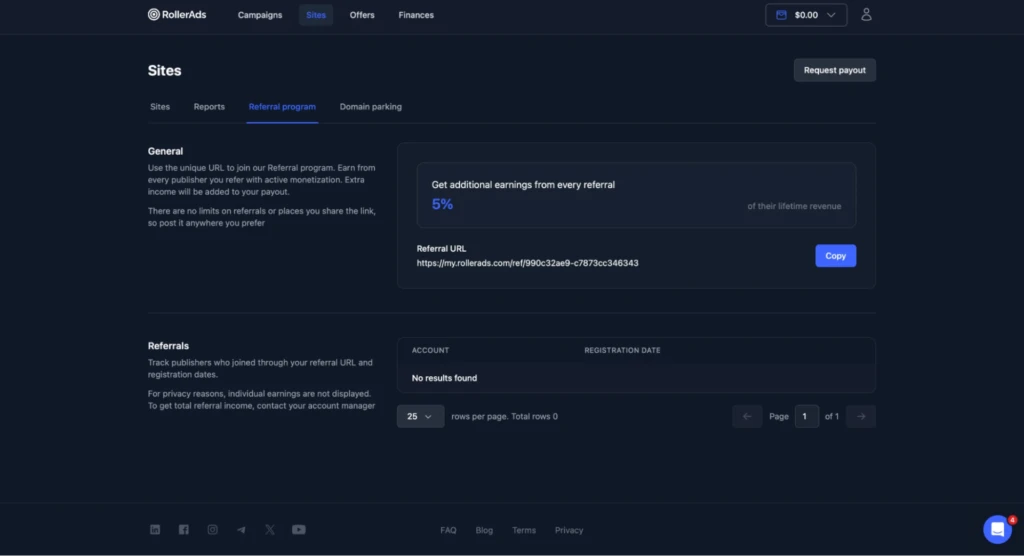
The “Referral program” tab provides a personal link for inviting publishers. RollerAds pays you 5% of the earnings generated by each referred user.
Offers
RollerAds includes a built-in CPA network with hundreds of offers across different verticals and GEOs, including exclusive offers from the platform itself.
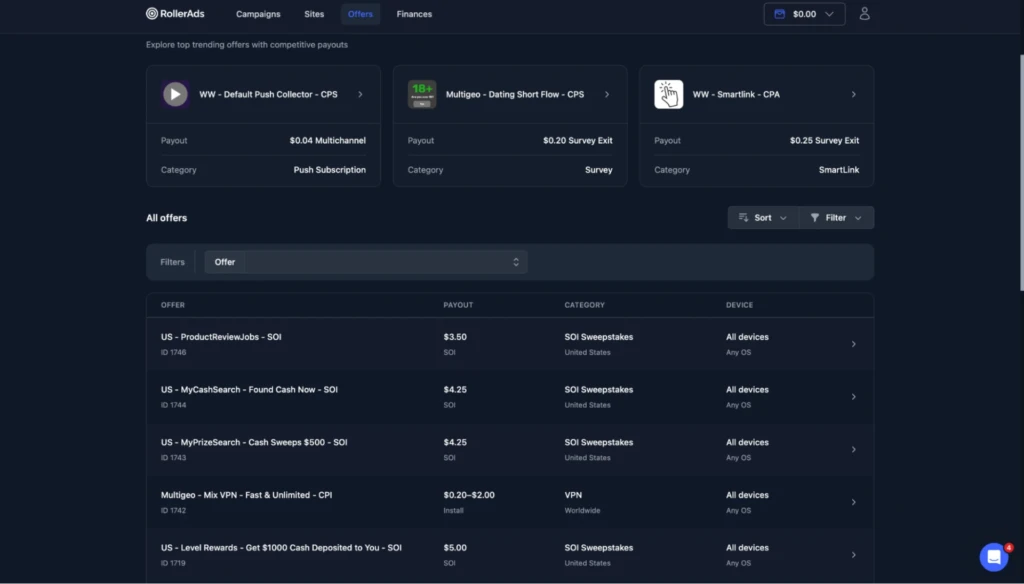
At the top of the catalog, the “Featured offers” section highlights popular offers. The rest are listed below and can be filtered by the parameters you need. Key terms such as the pricing model, payout, GEO, and supported devices are visible right away.
Opening an offer brings up its detailed terms, including allowed traffic sources, restrictions, and payouts.
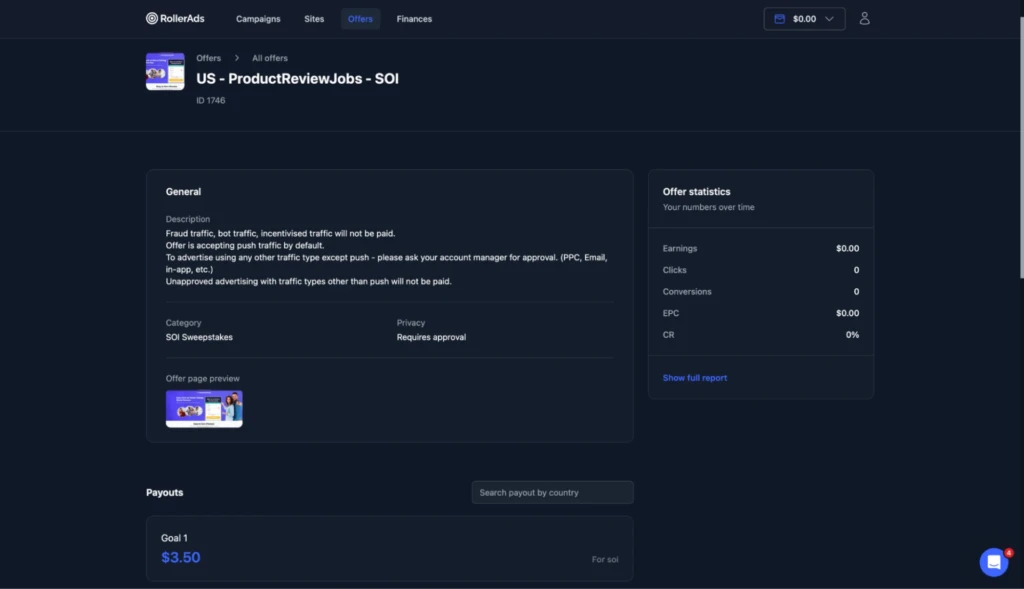
For some offers, certain traffic sources need to be approved by a manager in advance. For example, Push traffic may be allowed by default, while PPC, Email, and In-App traffic are only accepted after approval.
You can also track clicks, conversions, earnings, EPC, and CR. More detailed data is available under “Reports” and “Click reports,” while conversion tracking can be configured in the “Postbacks” tab.
Finances
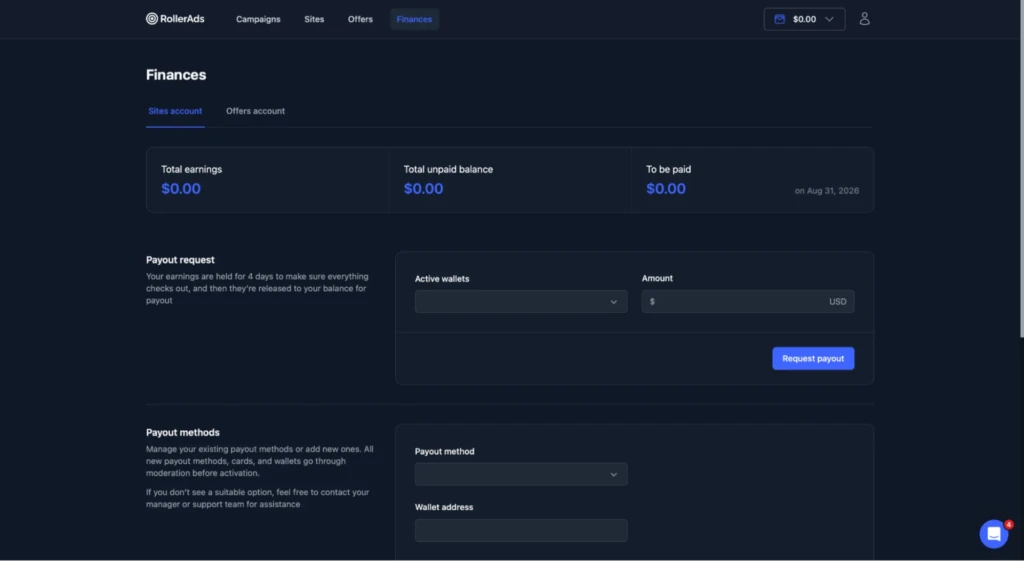
This section is used to withdraw funds. Here, you can add payment methods, enter your payment details, and submit payout requests.
How to Withdraw Money from RollerAds
Before making your first withdrawal, you need to add a card or wallet and wait for it to be approved. Once approved, select the payment method, enter the amount, and submit your request via “Request payout.”
Funds are subject to a four-day hold before they become available for withdrawal. The amount currently available and information about your next payout are displayed on the same page.
Conclusion
RollerAds has grown far beyond a traditional ad network. In addition to buying traffic, users get access to a built-in CPA network with hundreds of offers and a separate set of tools for publishers.
RollerAds’ key strengths include large traffic volumes, granular targeting, “Traffic Presets,” and a built-in ad spy. Website and domain owners can also use the platform to monetize their own traffic.